Creator workstations
Creator workstations for editing, 3D and streaming
Video editing, rendering and streaming load a computer very differently from games. We build creator PCs around your software and your projects, so the budget goes into the parts that shorten your renders instead of the ones that only raise a benchmark score.
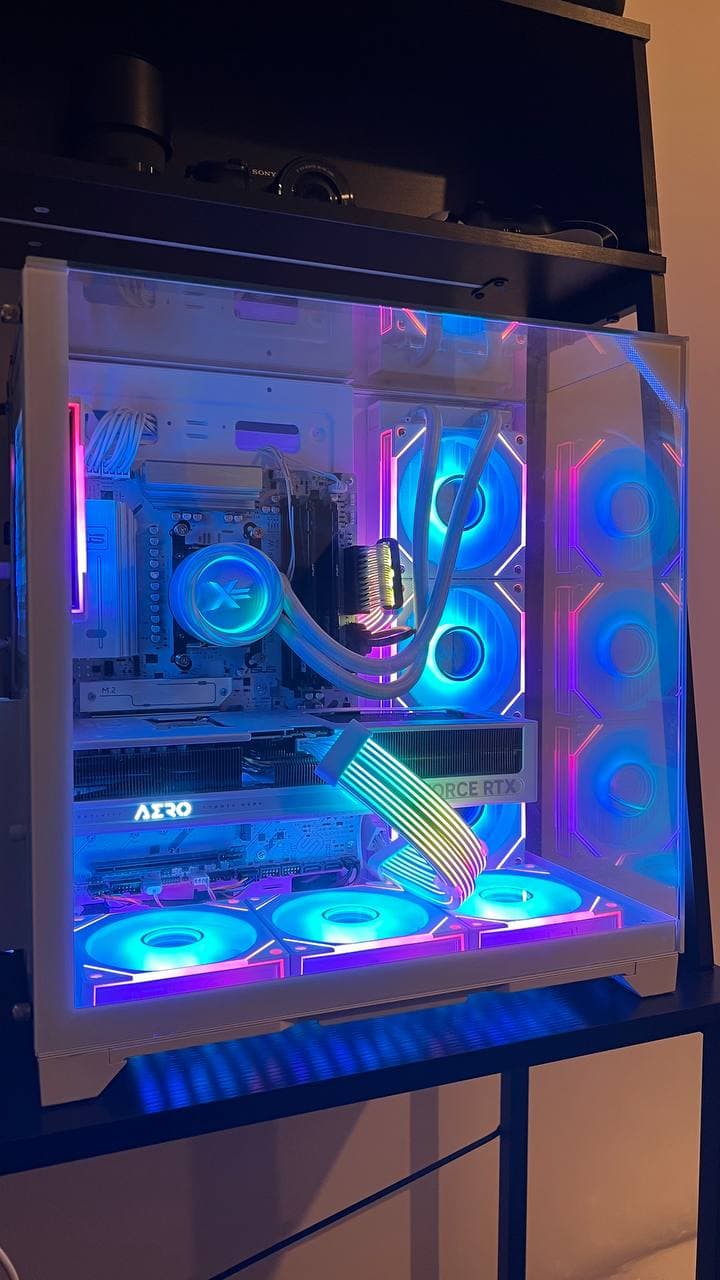
Where the money should go
Games are mostly limited by the graphics card and gain little from a processor past six to eight cores. Creative work is often the opposite: video encoding, 3D rendering and simulation scale with CPU core count and memory, unless your software specifically uses GPU acceleration — which many editors and render engines now do. Check what your own tools use, and tell us; we will configure for that.
Memory is the bottleneck we see most in creator machines. 32 GB is a sensible floor for 1080p and 4K editing; 64 GB is worth it for large RAW footage, big Photoshop files or several heavy applications open at once.
Storage, cooling and quiet
Working directly from a fast NVMe drive makes scrubbing timelines and exporting noticeably quicker than a slower secondary disk, so we plan separate drives for the system, active projects and archive. Sustained workloads also run for hours rather than minutes, so cooling is chosen for steady load and low noise, not just for a short benchmark.
If you stream while you play or record, that is two demanding jobs at once. A processor with more cores — or a dedicated encode path — keeps your frame rate steady while the encoder runs in the background.
Built, tested and supported in Ireland
Each workstation is assembled in Dublin and stress-tested under full load, with memory and storage checked and temperatures monitored, before it ships. Windows, drivers and updates are set up so you can install your software and start working. Delivery across Ireland is by insured, tracked DPD (€26.99), local Dublin delivery is €9.99, and custom builds are reserved with a 30% deposit.
- Tell us your software and typical project size and we will recommend the balance of CPU, GPU, RAM and storage.
- Choose parts yourself in the PC builder, or ask us to suggest a configuration first.
- Need more power later? We also do upgrades, so your workstation can grow with your projects.
Frequently asked questions
- How much RAM do I need for video editing?
- 32 GB is a reasonable minimum for 1080p and 4K editing. Choose 64 GB if you work with large RAW footage, very large image files, or keep several heavy applications open together.
- Does a creator PC need an expensive graphics card?
- Not always. Many tasks scale with CPU cores and memory. It depends on whether your editing or render software uses GPU acceleration, so check your applications and tell us what you use.
- Can a workstation also be used for gaming?
- Yes. A balanced creator PC games well too; we simply weight the budget toward cores, memory and storage first, and specify the graphics card to match how you want to play.